
AI Strategy
AI Workflow Automation Tools for Mid-Market Operators
Published Mar 15, 2026
PE and mid-market ops pick AI workflow automation tools as a stack: orchestration, integrations, scoped AI, rules, observability. One owned workflow first.
AI Workflow Automation Tools for Mid-Market Operators
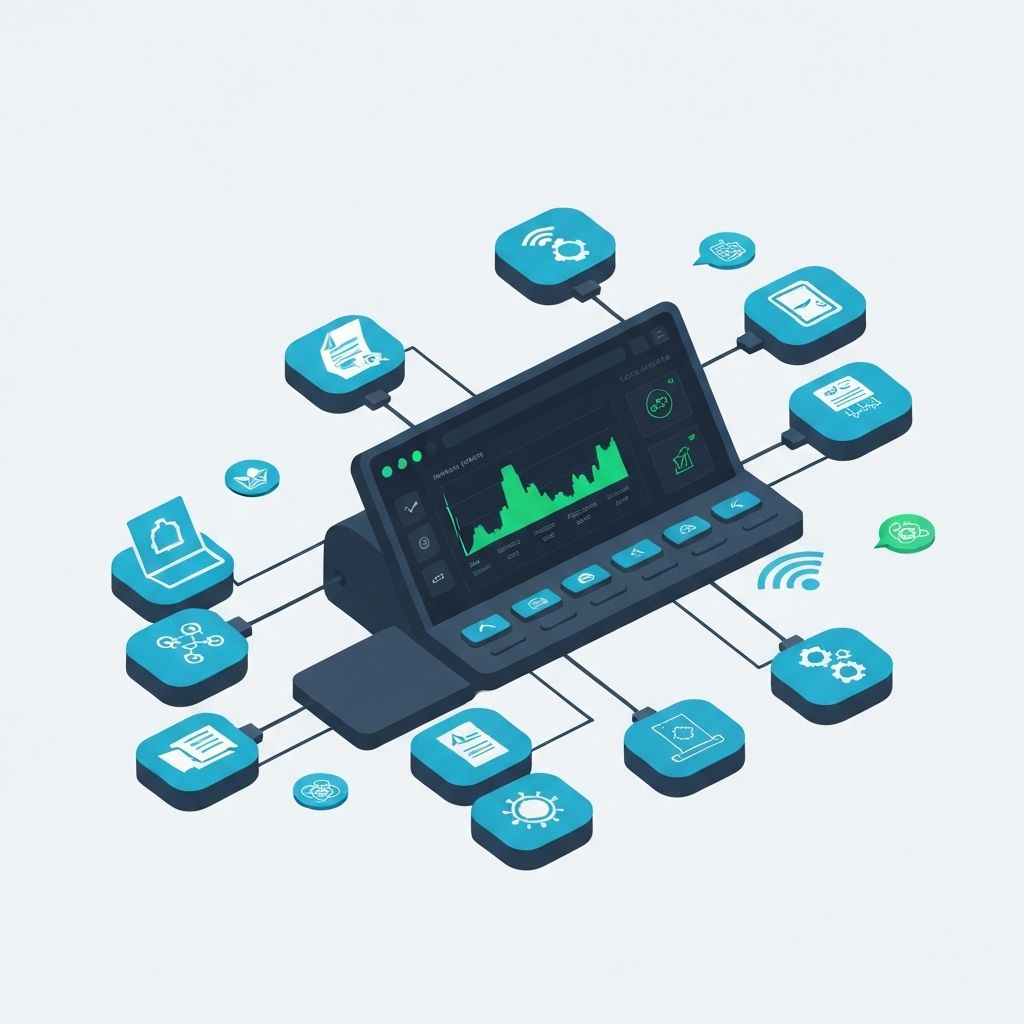
PE, mid-market, and family-office ops are not shopping a logo wall. They are choosing AI workflow automation tools they can own: orchestration for state and approvals, integrations into the systems already on the books, AI only at one scoped decision, rules for the exception, and observability so a miss has a name.
Treat the five layers as one stack. Ship one high-friction workflow first. Do not rip out the ERP to start.
If you need the delivery model after the first loop is live, read AI-native retainers vs project shops. This page is the tool choice.
Article Outline
- Quick Answer: What AI Workflow Automation Tools Matter Most?
- Why Mid-Market Teams Need a Composable Stack
- Core Categories of AI Workflow Automation Tools
- How to Evaluate Tools Without Getting Stuck in Demos
- Reference Stack for a 90-Day Launch
- Common Mistakes When Buying Automation Platforms
- Implementation Roadmap and KPIs
- FAQ: AI Workflow Automation Tools
Quick Answer: What AI Workflow Automation Tools Matter Most?
For most mid-market organizations, the best stack includes:
- Workflow orchestration for routing, state management, and approvals
- Integration tooling for CRM, support, ERP, and internal systems
- AI services for classification, extraction, summarization, or next-best action
- Rules and policy layer for confidence thresholds, exceptions, and fallback logic
- Observability + analytics for SLA tracking, error rates, and auditability
Tools are only useful if they operate as a system.
Why Mid-Market Teams Need a Composable Stack
Many teams outgrow single-platform “do everything” promises. The common pattern looks like this:
- A no-code tool handles simple routing but struggles with edge cases
- AI output quality drops on domain-specific inputs
- Compliance or audit requirements require explicit controls
- Existing core systems cannot be replaced quickly
A composable architecture avoids lock-in while preserving delivery speed. Keep orchestration and integrations deterministic, then use AI where it adds measurable value.
If your organization is still defining where AI fits in your broader roadmap, begin with this AI integration services guide.
Core Categories of AI Workflow Automation Tools
1) Workflow Orchestration
Use this layer to define state transitions, approvals, retries, and escalations.
Selection criteria:
- Reliable execution and retry behavior
- Human-in-the-loop steps
- Versioned workflow definitions
- Clear failure handling and replay
2) Integration and Event Connectivity
Your automation is limited by system connectivity. Prioritize tools that simplify secure, observable integrations.
Selection criteria:
- API/webhook support and connector coverage
- Event-driven processing
- Data mapping and transformation controls
- Idempotency and duplicate-event handling
If your stack is fragmented, this software integration guide can help prioritize integration sequencing.
3) AI Inference and Decision Support
AI should be inserted into specific decision points, not sprayed across entire workflows.
Strong use cases include:
- Ticket or request classification
- Document extraction and normalization
- Summarization for handoff speed
- Priority recommendations based on historical patterns
Selection criteria:
- Ability to enforce confidence thresholds
- Prompt and model versioning
- Latency and cost observability
- Redaction and PII-safe processing paths
4) Rules, Governance, and Policy Controls
In regulated or high-risk environments, policy controls are non-negotiable.
Selection criteria:
- Deterministic rules engine support
- Approval and override workflows
- Audit logs and access controls
- Segregation of duties for sensitive actions
5) Monitoring, Analytics, and Incident Response
This layer protects ROI by exposing workflow health and model drift early.
Selection criteria:
- Step-level tracing and error visibility
- KPI dashboards tied to business outcomes
- Alerting on SLA breaches or confidence drops
- Root-cause metadata for rapid remediation
How to Evaluate Tools Without Getting Stuck in Demos
Use a scorecard anchored to one real workflow. Suggested dimensions:
- Business fit: can it handle your highest-friction workflow?
- Technical fit: does it integrate with current systems cleanly?
- Control fit: can you enforce policy, audit trails, and approvals?
- Operational fit: can your team support it after launch?
- Cost fit: can you predict per-workflow cost at production volume?
Weight each dimension and test on a pilot scenario, not marketing examples.
Reference Stack for a 90-Day Launch
You do not need a full platform overhaul to start. A practical launch stack typically includes:
- One orchestration engine
- One integration layer with key source/destination systems
- One AI service for a narrow decision point
- Rule-based policy checks and manual fallback
- Dashboard for SLA, exception rate, and cycle time
Then run one workflow end-to-end with explicit KPI targets.
For rollout structure, use this AI workflow automation 90-day guide.
Common Mistakes When Buying Automation Platforms
- Choosing based on feature volume instead of workflow outcomes
- Automating low-impact tasks while core bottlenecks remain manual
- Ignoring exception handling until after go-live
- Treating AI output as autonomous instead of confidence-scored input
- Failing to baseline metrics before implementation
- Underestimating integration and change-management effort
Avoiding these mistakes is often the difference between a pilot that stalls and a program that scales.
Implementation Roadmap and KPIs
Phase 1 (Weeks 1-2): Scope + Baseline
- Select one high-volume workflow
- Map current process and failure points
- Baseline cycle time, rework, and SLA performance
Phase 2 (Weeks 3-8): Build + Validate
- Implement orchestration and integrations
- Add AI for one scoped decision point
- Configure confidence thresholds and fallback rules
Phase 3 (Weeks 9-12): Launch + Optimize
- Roll out to a single team or region
- Monitor KPI movement weekly
- Tune prompts, rules, and routing for edge cases
Recommended KPIs:
- Cycle time reduction
- Manual touchpoint reduction
- First-pass resolution or completion rate
- Exception handling time
- SLA compliance
If legacy systems are the main constraint, pair this plan with an application modernization roadmap.
FAQ: AI Workflow Automation Tools
Which tools should we buy first?
Start with orchestration + integrations. Add AI where it improves a measurable bottleneck.
Can one platform do everything?
Sometimes, but mid-market teams usually get better long-term results from a composable stack with clear ownership boundaries.
How long to see ROI?
Most teams can demonstrate meaningful improvement within 60-90 days when scoped to one high-friction workflow and tracked with clear KPIs.
Do we need to replace legacy systems first?
No. You can automate around legacy systems with targeted integrations and phased modernization.
Final Takeaway
The best AI workflow automation tools are the ones that help your team ship measurable outcomes, not just automate steps.
Start with one workflow, design for control and observability, prove KPI movement, then expand systematically.
Need help selecting and implementing the right stack? Book a strategy call to map your first workflow and tool architecture, or contact us for a tailored implementation plan.
Related reading: AI software development company guide, software discovery workshop guide, and custom software development for mid-market teams.
Related reading
Pillar guide: AI-Native Software Delivery for Mid-Market
Closely related in this cluster:
Frequently asked questions
What AI workflow automation tools do mid-market teams actually need?
Mid-market teams need five categories working together: workflow orchestration for state management and approvals, integration tooling connecting CRM, ERP, and support systems, AI services scoped to specific decision points like classification or document extraction, a rules and policy layer for confidence thresholds and fallback logic, and observability dashboards for SLA tracking and error rates. Tools in isolation rarely move the needle. The value comes from running them as a coordinated system.
How long does it take to see ROI from AI workflow automation?
Most teams can demonstrate meaningful improvement within 60 to 90 days when the rollout is scoped to one high-friction workflow and measured against clear KPIs. The recommended phasing is two weeks to baseline the current process, six weeks to build and validate the automation, then a final four weeks to launch to one team and optimize. Starting broad, or skipping baseline measurement, is one of the most common reasons pilots stall.
Should mid-market companies buy one all-in-one automation platform or build a composable stack?
A composable stack with clear ownership boundaries usually produces better long-term results for mid-market organizations. Single platforms tend to handle simple routing well but break down on edge cases, domain-specific AI inputs, or compliance requirements that demand explicit audit controls. A composable approach avoids vendor lock-in while preserving delivery speed, as long as orchestration and integrations are kept deterministic and AI is layered in only where it adds measurable value.
Do we need to replace legacy systems before automating workflows?
No. Existing legacy systems can be integrated rather than replaced, using targeted API or webhook connectors that route data in and out without a full platform migration. The post explicitly recommends phased modernization alongside automation, not as a prerequisite. Automating around legacy systems first lets teams demonstrate ROI quickly, which then makes the case for deeper modernization investments if needed.
Written by Anthony Wentzel