
Web Development
10 React + Next.js Performance Tips That Will Transform Your Web App
Published Jan 12, 2024. Updated Oct 11, 2026
Discover proven techniques to optimize your React and Next.js applications for lightning-fast performance and better user experience.
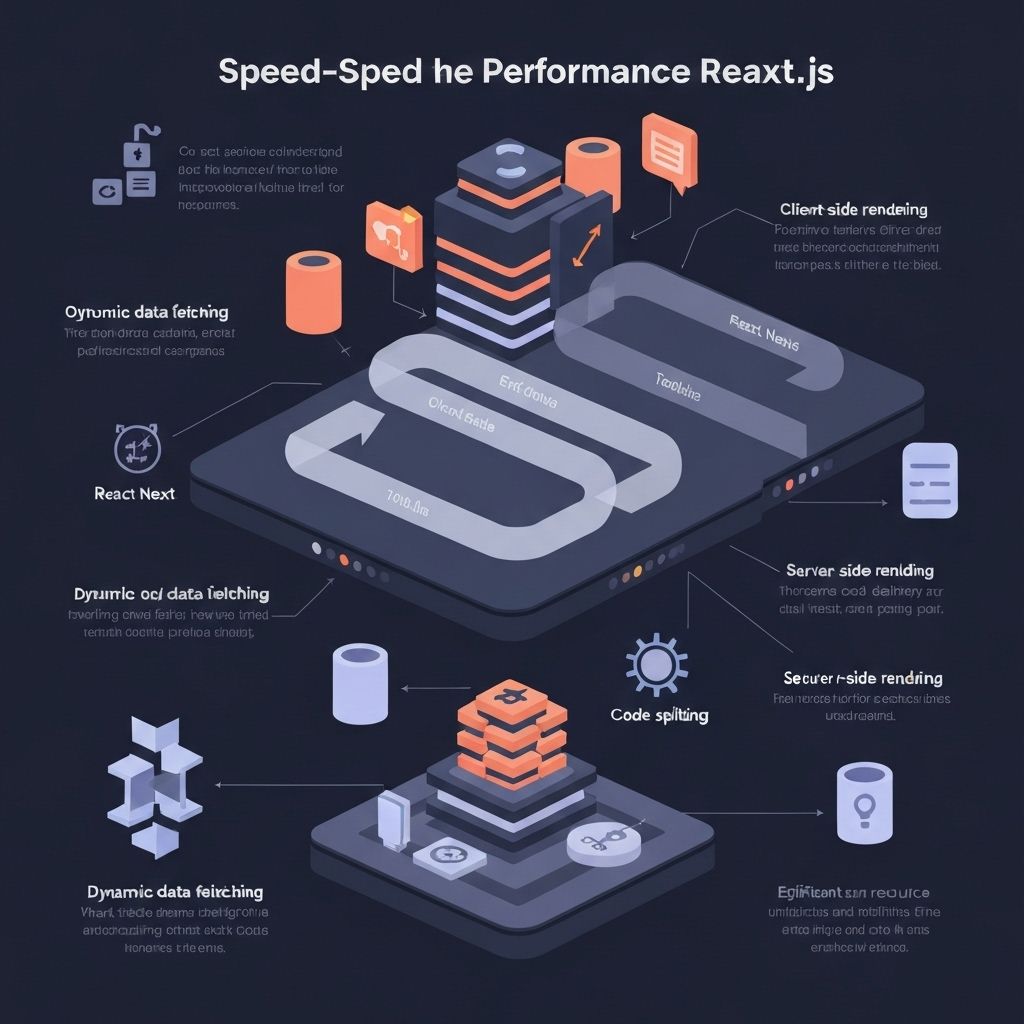
Discover proven techniques to optimize your React and Next.js applications for lightning-fast performance and better user experience.
Frequently asked questions
What are the most effective techniques for optimizing a React and Next.js application?
React and Next.js apps can be optimized through a set of proven techniques that address rendering, asset loading, and user experience together. The post covers 10 such techniques, spanning both the React component layer and Next.js-specific features like server-side rendering and built-in image optimization. Applying even a handful of these consistently tends to produce meaningful, measurable improvements in perceived and actual load speed.
How do React performance optimizations differ from general web performance best practices?
General web performance focuses on network, caching, and asset size, while React-specific optimization also addresses component re-rendering, state management, and virtual DOM reconciliation. Next.js adds a framework layer where routing, data fetching strategy, and static generation choices each carry their own performance trade-offs. Addressing all three levels together, as the post outlines, is what separates a truly fast React app from one that only scores well on a lighthouse audit.
Who should prioritize React and Next.js performance tuning, and when does it matter most?
Performance tuning matters most for any team shipping a customer-facing product where conversion, retention, or search ranking is tied to page speed. Enterprise teams and founders scaling toward higher traffic loads will see the largest return, because the cost of a slow app compounds with every additional user. The techniques in this post are applicable regardless of team size, making them relevant to early-stage CTOs and larger engineering organizations alike.
Can a non-technical operator or PE due diligence team evaluate whether a Next.js codebase is performance-optimized?
A non-technical reviewer can check for performance hygiene by looking at Core Web Vitals scores, Lighthouse reports, and whether the team tracks real-user monitoring data. Asking whether the team has applied framework-level optimizations, such as Next.js image handling and code splitting, is a reasonable technical due diligence question. Persistent low scores or no monitoring in place are signals worth flagging during a technology assessment.
Written by Anthony Wentzel